Months behind on your books? Here is where to start.
Stackclean turns one bank-statement CSV into a month-by-month catch-up plan. What needs a receipt, what repeats every month, what looks unusual — in a checklist you can finish one session at a time. Entirely in your browser, nothing uploaded.
Try it now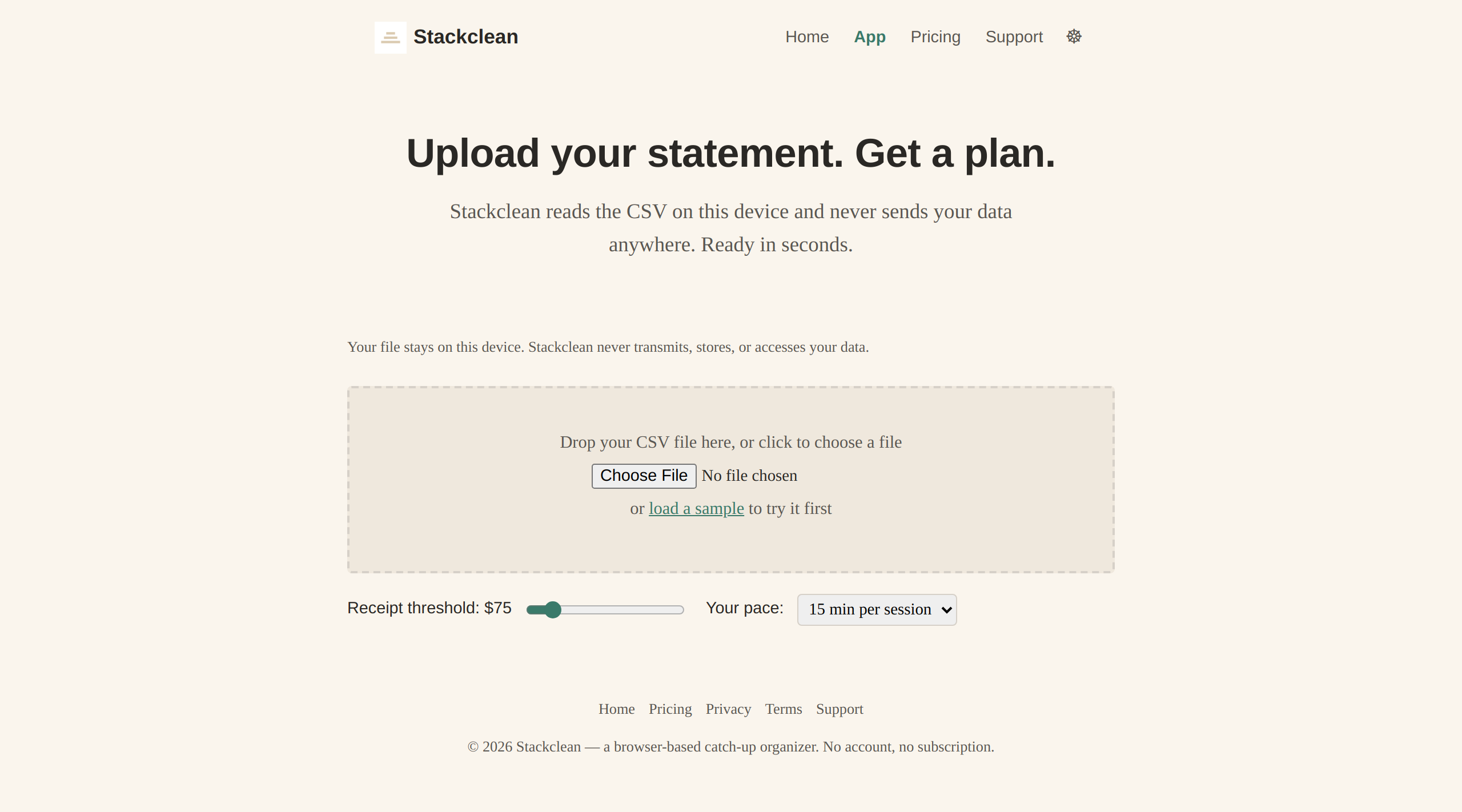
01 / How it works
Three steps from a CSV export to a plan you can follow.
- Export your bank or card statement as CSV. Most banks offer this under “Download transactions” or “Export.” The file never leaves your device.
- Drop it on the upload area (or click “Load sample” to see the tool work with example data). Stackclean reads the file and detects your date, description and amount columns automatically.
- Review the column mapping, set your receipt threshold and preferred pace, then get your plan. Each month shows transaction counts, money in and out, and three checklist categories.
02 / What a result looks like
Every month gets its own block with the three things you actually need to check.
Each month block shows your transaction count, total money in and out, and three checklist categories:
- Payments above a threshold you choose, flagged in amber so you can find the receipt before tax time.
- Descriptions that appear across months — likely subscriptions or regular bills you can categorize once and forget.
- Transactions that are higher than your own pattern, or one-off amounts that stand out.
A time estimate at your pace tells you how many sessions each month will take. Download the plan as a CSV checklist to open in any spreadsheet.
03 / What it costs
$12 one-time. No account, no subscription, no hidden fee.
Pay once and the tool is yours. There is no “free tier” that limits months or transactions, no “pro” upgrade, and no monthly bill. You download your plan as a CSV and use it with any spreadsheet or accounting software you already have.
Pricing is stated for evaluation. The checkout uses Stripe in test mode — no real card is charged. The tool is free to use while you evaluate it.
04 / What it will not do
Stackclean is a planning tool, not an accountant. Here is what it does not do.
- Connect to your bank, accounting system or receipt store.
- Categorize transactions for tax purposes.
- Determine which expenses are deductible or claimable (that depends on your country and circumstances).
- File anything with any authority.
- Give accounting or tax advice.
- Store or transmit your financial data. Everything runs in the browser.
Stackclean is an expense planning and receipt reminder tool. It helps you organize what you have so you can take it to a professional or your tax preparation software.
05 / Who it is for
You are self-employed, freelance, or run a micro-business. The books are behind and you need a path forward.
Stackclean is built for the person who knows they should have kept better records and is now avoiding the mess because they do not know where to start. It is not an accounting platform, not a tax preparer, and not a receipt scanner. It is a tool that makes six months of bank statements look like six sessions, each with a clear checklist, so you can stop dreading the backlog and start working through it.
You do not need to know accounting. You do not need to install anything. You need your bank’s CSV export and twenty minutes.
06 / The real objection
“I have tried things like this before and gave up. Why would this be different?”
Because this is not software to learn. It is a plan to follow.
Most expense tools ask you to set up accounts, link your bank, learn categories, and maintain a system. Stackclean does none of that. You upload a file, you get a checklist, you check things off. The tool gets out of your way. There are no accounts to create, no categories to learn, no monthly login. If you can open a CSV and click a checkbox, you can use Stackclean. The only system change is that you stop carrying the weight of “I need to fix the books” and replace it with “I need to do this month’s checklist.”
Months behind? That is the only thing that changes.
Your bank statement is a CSV. Your plan is one upload away.
Go to the tool — it’s free